Raw drone footage rarely looks cinematic straight out of the camera. The colors are flat if you shot in D-Log, the clips are too long, and the first two seconds of every take have gimbal wobble from takeoff. Editing transforms that raw material into something worth watching, whether it is a 30-second Instagram Reel or a 4K client delivery for a real estate listing.
The editing process has three core stages: cutting and sequencing your clips, color grading to bring out the dynamic range your camera captured, and exporting at the right settings for your delivery platform. Each stage has specific tools and techniques that work best for drone footage specifically, because aerial video has characteristics (wide dynamic range, slow movement, consistent exposure) that differ from handheld or studio footage.
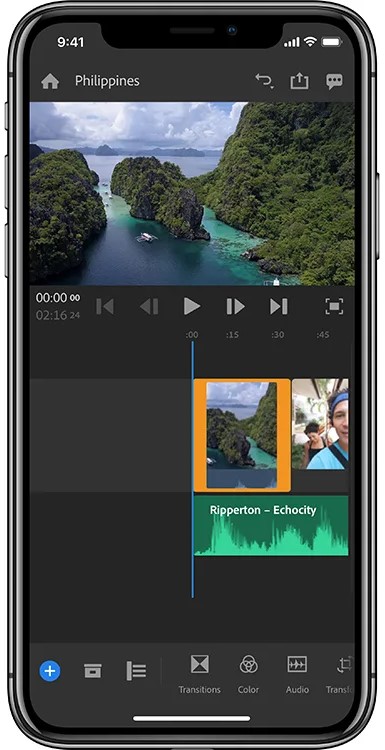
This guide covers software options from free to professional, a step-by-step workflow for DJI Fly's built-in editor, color grading fundamentals for D-Log footage, platform-specific export settings, and the most common editing mistakes that make drone videos look amateur.